Creating a productive home office space can significantly impact your work efficiency and overall well-being. Whether you are working remotely full-time or occasionally, setting up an environment that promotes focus and comfort is essential. In this post, we’ll explore useful tips and strategies to design a home office that works for you.
Why a Dedicated Home Office Matters
Having a dedicated space for work helps establish boundaries between personal and professional life. It also minimizes distractions and encourages a mindset geared toward productivity. But productivity isn’t just about working harder—it’s about creating a space where you can focus easily and feel motivated.
Choosing the Right Location
Consider Natural Light
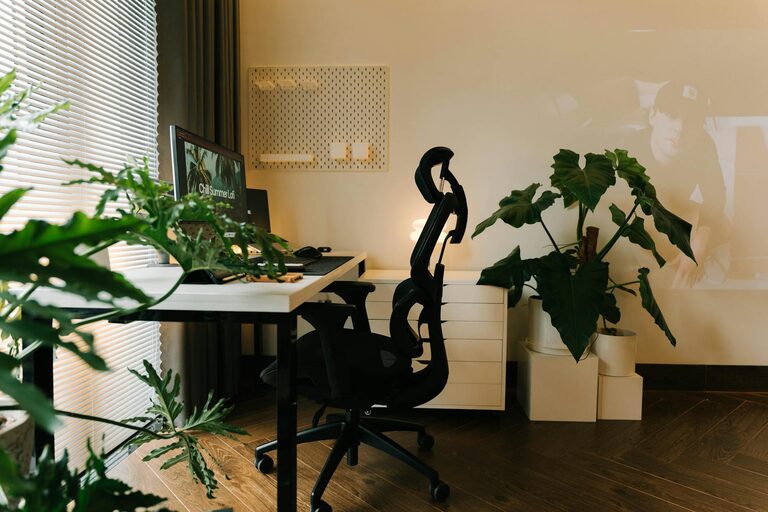
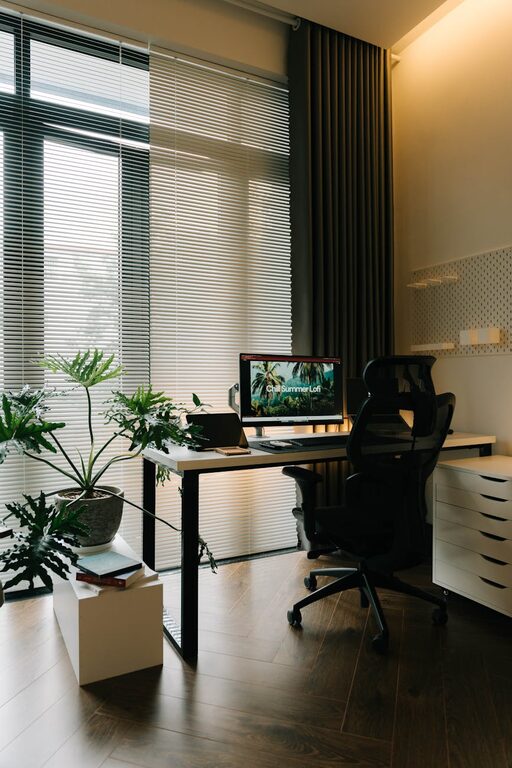
Pick a spot with plenty of natural light, if possible. Sunlight boosts mood and reduces eye strain. Position your desk near a window, but avoid harsh glare on your computer screen.
Minimize Noise and Distractions
Choose a quiet area away from high-traffic zones, noisy appliances, or televisions. If noise is unavoidable, consider noise-cancelling headphones or white noise machines.
Think About Space and Privacy
Make sure your home office has enough room for your equipment and storage needs. A private corner or spare room can help you concentrate without interruptions.
Ergonomics: Comfort is Key
Invest in a Good Chair
A comfortable, adjustable chair supports your back and reduces the risk of strain. Look for one with lumbar support and adjustable features.
Proper Desk Height
Your desk height should allow your arms to rest comfortably at a 90-degree angle while typing. A standing desk or adjustable desk converter can offer variety.
Monitor Positioning
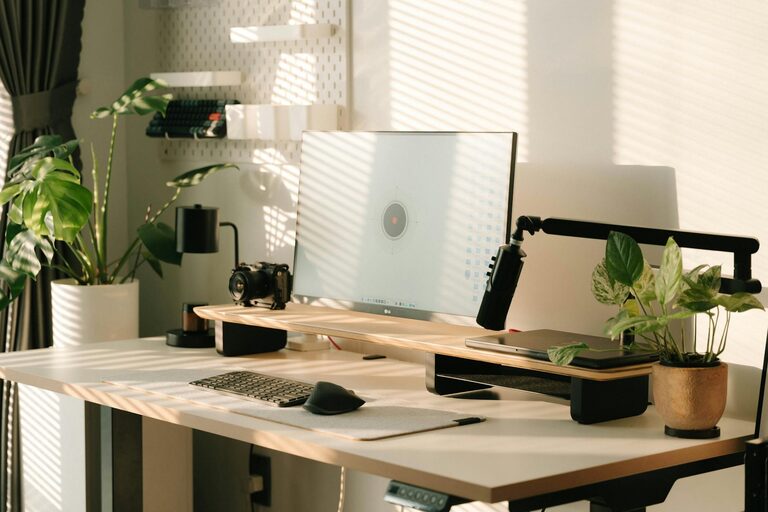
Place your monitor at eye level and about an arm’s length away to prevent neck strain and maintain good posture.
Organizing Your Workspace
Declutter Your Desk
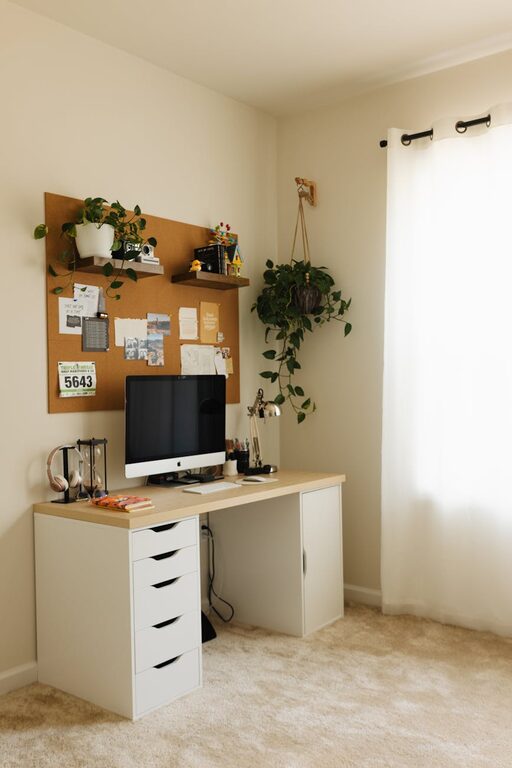
Keep only essential items on your desk to create a tidy, distraction-free zone. Use organizers like trays, pen holders, or desk drawers.
Storage Solutions
Shelves, filing cabinets, or baskets help keep documents and supplies organized and within reach.
Cable Management
Use clips, ties, or cable sleeves to keep cords neat and avoid tangled wires.
Personalize, But Don’t Overdo It
A few personal touches like plants, artwork, or photos can make your office inviting and boost your mood. However, avoid overcrowding your space with decorations that may distract you.
Lighting Matters
While natural light is ideal, combine it with good artificial lighting. Use a desk lamp with adjustable brightness to reduce eye strain during darker hours.
Establish a Routine
Set regular working hours and stick to them. Having a defined schedule helps your brain associate your workspace with focused work time.
Take Breaks and Move
Incorporate short breaks to stand up, stretch, or take a quick walk. Movement refreshes your mind and helps maintain energy levels.
Technology Tips
Reliable Internet Connection
Ensure your internet speed is sufficient for video calls and online research without interruptions.
Essential Equipment
Invest in a good headset, webcam, and microphone if you have frequent virtual meetings.
Backup Plans
Have a backup storage solution or cloud service to keep your files safe and accessible.
Keep It Clean
A clean workspace reduces stress and helps you focus better. Make it a habit to tidy your office area at the end of each day.
Final Thoughts
Creating a productive home office involves balancing comfort, functionality, and personal touches. By setting up a dedicated, organized, and ergonomic workspace, you’ll cultivate an environment that supports your best work every day. Remember, small changes can make a big difference in your productivity and happiness.
Start designing your ideal home office space today and enjoy the benefits of working better from home.