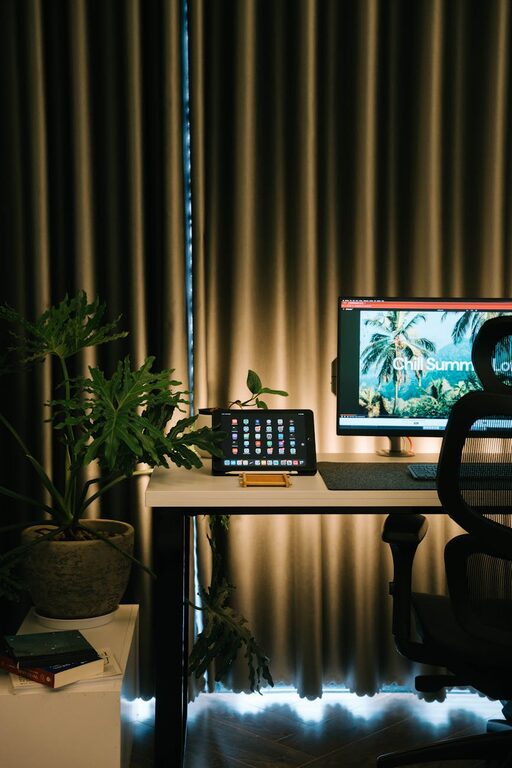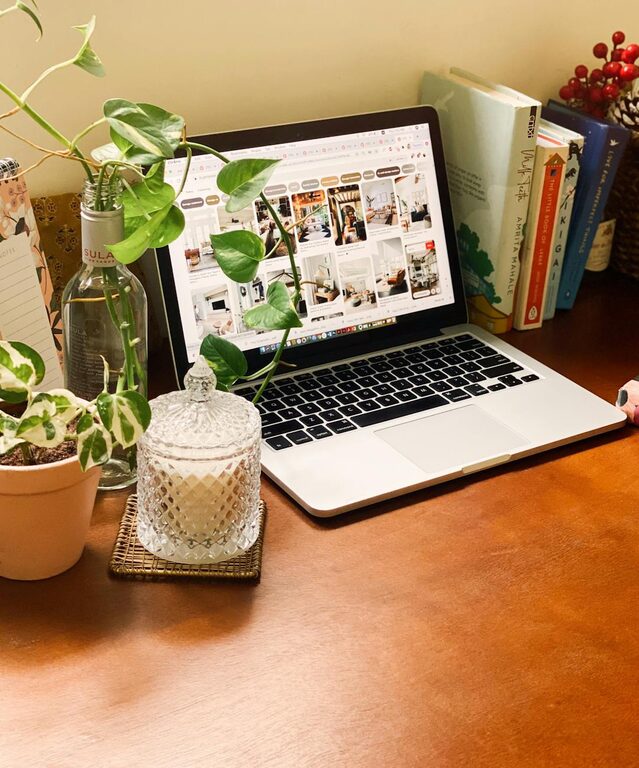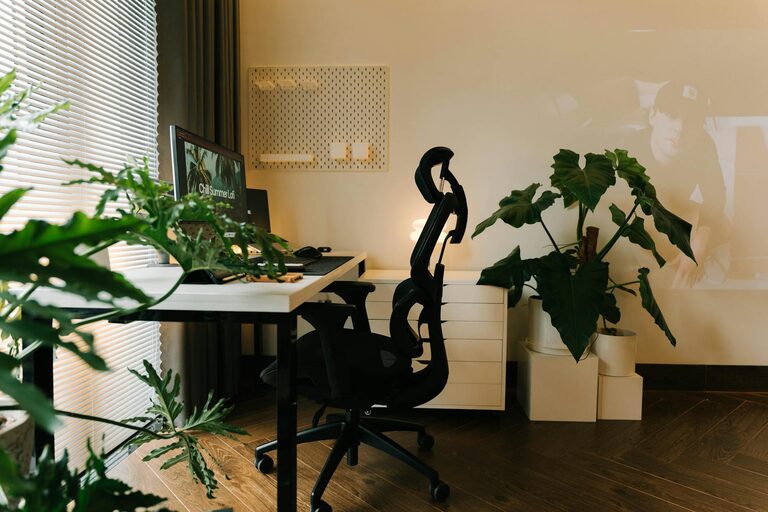
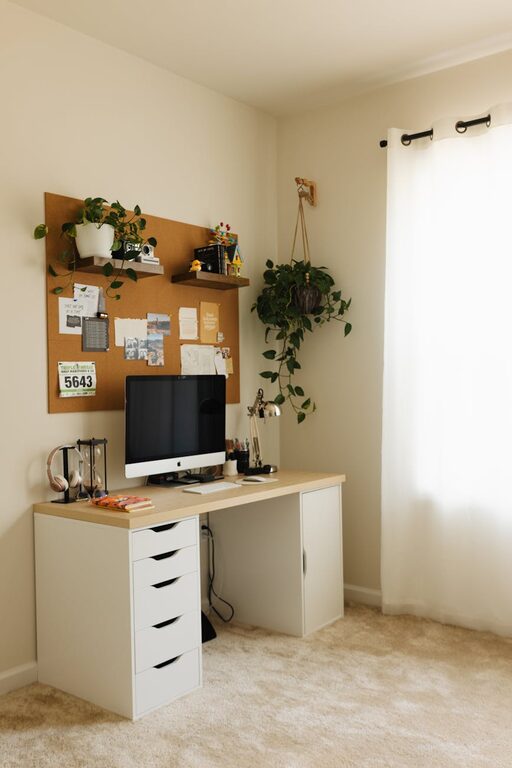
Creating a home workspace that is both cozy and functional can greatly improve your productivity and mood. Whether you work remotely full-time or occasionally need a quiet spot to handle personal projects, having a dedicated area designed with comfort and efficiency in mind makes all the difference. In this post, we’ll explore practical tips to help you set up a home workspace that feels inviting and works well for your unique needs.
Why a Cozy and Functional Workspace Matters
A well-designed workspace isn’t just about aesthetics. Comfort influences how long you can work without feeling drained, while organization supports your focus and efficiency. When these two elements come together, you get a space that encourages creativity and reduces stress.
Choosing the Right Location
Find a Quiet Spot
Select a location in your home that minimizes distractions. A quiet corner or a spare room works best. Avoid high-traffic areas to keep noise interruptions to a minimum.
Consider Natural Light
Try to choose a spot near a window if possible. Natural light boosts mood and reduces eye strain. If natural light is limited, invest in good-quality task lighting to brighten your space.
Selecting Comfortable and Practical Furniture
Invest in an Ergonomic Chair
Since you’ll be spending several hours sitting, a chair with adjustable height, back support, and comfortable cushioning is essential. This supports good posture and reduces the risk of discomfort or injury.
Choose a Desk with Enough Surface Area
Pick a desk that fits your available space but also leaves ample room for your computer, notebooks, and other tools. If possible, opt for one with storage options like drawers or shelves.
Organizing Your Workspace
Use Storage Solutions
Clutter can hamper productivity. Utilize shelves, filing cabinets, or desk organizers to keep papers and office supplies neatly arranged.
Keep Frequently Used Items Within Reach
Place your everyday tools—pens, notepads, phone charger—close to your work area to avoid distractions caused by searching for things.
Cable Management
Unruly cords create a messy look and may cause accidents. Use cable organizers or clips to keep wires tidy and out of the way.
Personalizing Your Space
Add Cozy Textiles
Include a soft rug, cushions, or a throw blanket to add warmth and comfort, making it a place you enjoy spending time in.
Decorate Thoughtfully
Incorporate plants, artwork, or inspirational quotes to make your workspace feel inviting. Choose items that inspire you without causing distraction.
Paying Attention to Technology
Reliable Internet Connection
Ensure your workspace has a strong and stable internet connection for smooth video calls and downloads.
Appropriate Equipment
Invest in quality hardware—monitor, keyboard, mouse—that suits the type of work you do. Ergonomic devices can prevent strain.
Maintaining Work-Life Balance
Define Work Hours and Breaks
To keep your workspace effective, set clear boundaries by having fixed work hours. Take regular breaks to stretch and recharge.
Keep Your Workspace Separate
If possible, avoid using your workspace for leisure activities to help your mind associate this area with work and focus.
Enhancing Air Quality and Comfort
Good Ventilation
Make sure your workspace is well-ventilated to keep air fresh. Indoor plants can also improve air quality and add a touch of nature.
Control Temperature
Use fans or heaters as needed to maintain a comfortable temperature, helping you stay focused without distraction from being too hot or cold.
Final Thoughts
Designing a cozy and functional home workspace is about balancing comfort with practicality. Taking the time to choose the right spot, invest in ergonomic furniture, organize thoughtfully, and personalize your space will create an environment where you can work efficiently and feel relaxed. Remember, your workspace should serve your needs and inspire you — making work-from-home days more productive and enjoyable.