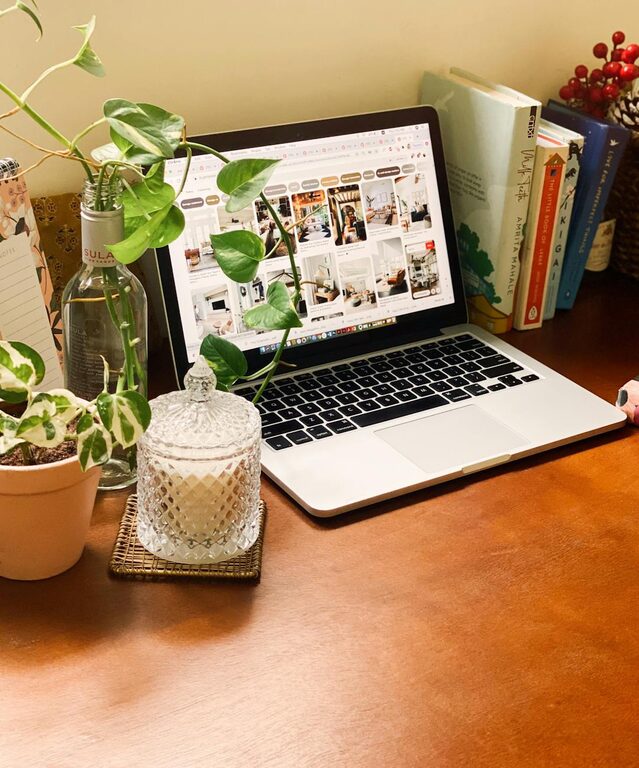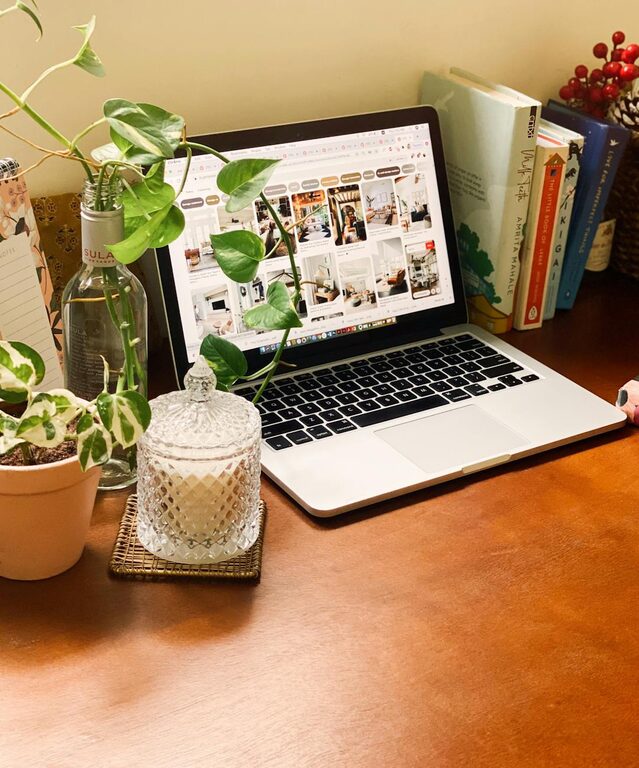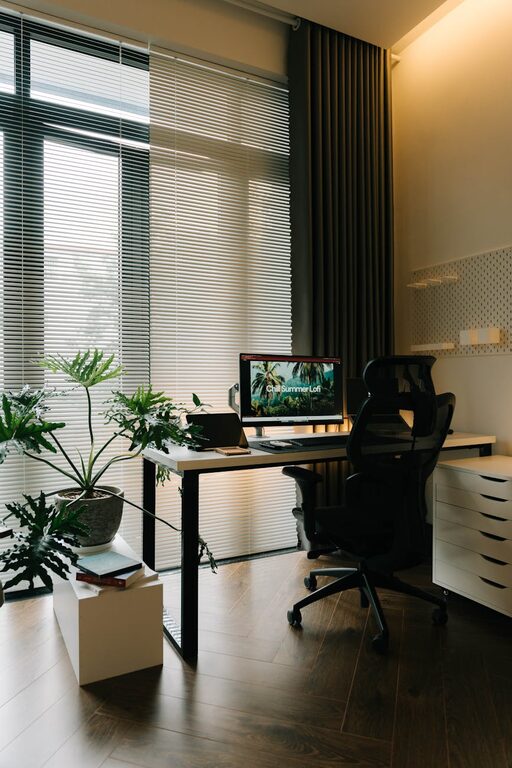
Creating an effective home office space can make a big difference in your daily work experience. With many people working remotely or spending more time at home, having a dedicated, comfortable, and organized workspace is key to maintaining productivity and focus. Whether you have a small corner or a spare room, these tips will help you design a home office that works for you.
1. Choose the Right Location
Finding the right spot for your home office is the first step.
– Quiet space: Pick a location away from high traffic or noisy areas in your home to minimize distractions.
– Natural light: Position your desk near a window if possible. Natural light boosts mood and reduces eye strain.
– Privacy: If you share your home, try to select a space where you can close the door or create a visual barrier.
2. Invest in Ergonomic Furniture
Comfort plays a vital role in productivity.
– Ergonomic chair: A supportive chair with adjustable height and lumbar support helps prevent back pain.
– Desk height: Your desk should allow you to keep your arms at a 90-degree angle when typing.
– Standing desk options: Consider a sit-stand desk to change positions throughout the day and promote circulation.
3. Organize Your Space Smartly
A clutter-free office keeps your mind clear and focused.
– Storage solutions: Use shelves, drawers, or filing cabinets to keep documents and supplies organized.
– Minimalist approach: Keep only essential items on your desk to avoid distractions.
– Cable management: Use clips or cable organizers to keep wires tidy and prevent tangling.
4. Optimize Lighting
Good lighting improves your mood and reduces fatigue.
– Task lighting: Use desk lamps or adjustable fixtures to provide focused light where needed.
– Avoid glare: Position screens to prevent glare from windows or overhead lights.
– Balanced environment: Aim for a combination of natural and artificial lighting for a well-lit space.
5. Personalize Your Workspace
Adding personal touches can make your office feel inviting and motivate you.
– Plants: Indoor plants improve air quality and add a refreshing natural element.
– Artwork and photos: Select calming or inspiring images that make you feel comfortable.
– Color choices: Choose colors that promote focus, such as soft blues, greens, or neutral tones.
6. Minimize Distractions
Managing distractions helps maintain concentration.
– Noise control: Use noise-canceling headphones or white noise machines if external sounds are a challenge.
– Phone management: Keep your phone silent or in another room during focused work periods.
– Clear boundaries: Communicate your working hours to family or housemates to reduce interruptions.
7. Ensure Good Technology Setup
Reliable technology is essential for smooth remote work.
– High-speed internet: A stable and fast internet connection prevents frustration during virtual meetings or large uploads.
– Proper equipment: Use a good quality webcam, microphone, and headphones for clear communication.
– Cable and charger station: Keep charging cables organized and within easy reach.
8. Maintain a Healthy Routine Within Your Workspace
Your home office isn’t just about furniture and tech; it’s about how you use the space.
– Take breaks: Stand up, stretch, and move regularly to avoid stiffness.
– Hydration: Keep water nearby to stay hydrated throughout the day.
– Workspace cleanup: End each day by tidying your desk to start fresh in the morning.
Conclusion
Setting up an effective home office space involves more than just a desk and chair. By carefully choosing your location, investing in ergonomic furniture, organizing smartly, and creating a pleasant environment, you can boost both your comfort and productivity. Personal touches and good habits will make your home office a place where work feels easier and more enjoyable. Start implementing these tips today to create a workspace that supports your best work life.